
To create a custom liquids you have to add it in a new .yml file.
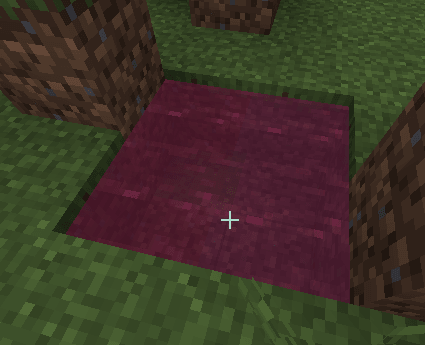
In this case I created a new liquid called red_water in my new my_liquids namespace.
info:
  namespace: my_liquids
liquids:
  red_water:
    color: RED
To place the liquids you have to create a custom bucket.
In this example I created the red_water_bucket.
  red_water_bucket:
    display_name: display-name-red_water_bucket
    permission: red_water_bucket
    resource:
      material: POTION
      generate: true
      texture: "item/red_water_bucket"
    behaviours:
      liquid_bucket:
        name: "my_liquids:red_water"
Run /iazip to regenerate the resourcepack.
Use the bucket to place the custom water.
Features
Liquids for now do not have any feature other than being decorative.
In the future I might implement some custom features.