
Download here
Enabling compatibility
Step 1
Install ItemsAdderBlocksInjector and don't remove it after installation!
Step 2
Create your Iris world (follow their guides) and use your ItemsAdder custom blocks IDs as you would do with vanilla blocks.
For example open this file of the overworld pack: plugins\Iris\packs\overworld\biomes\mountain\mountain.json
Then edit the layers settings to use a custom block, in this example the custom Amethyst Block:
{
  "layers": [
    {
      "minHeight": 1,
      "maxPerChunk": 21,
      "maxHeight": 80,
      "minPerChunk": 7,
      "minSize": 3,
      "maxSize": 7,
      "palette": [{ "block": "iasurvival:cassiterite_ore" }],
      "varience": 7
    }
  ]
}
This will generate a similar result:
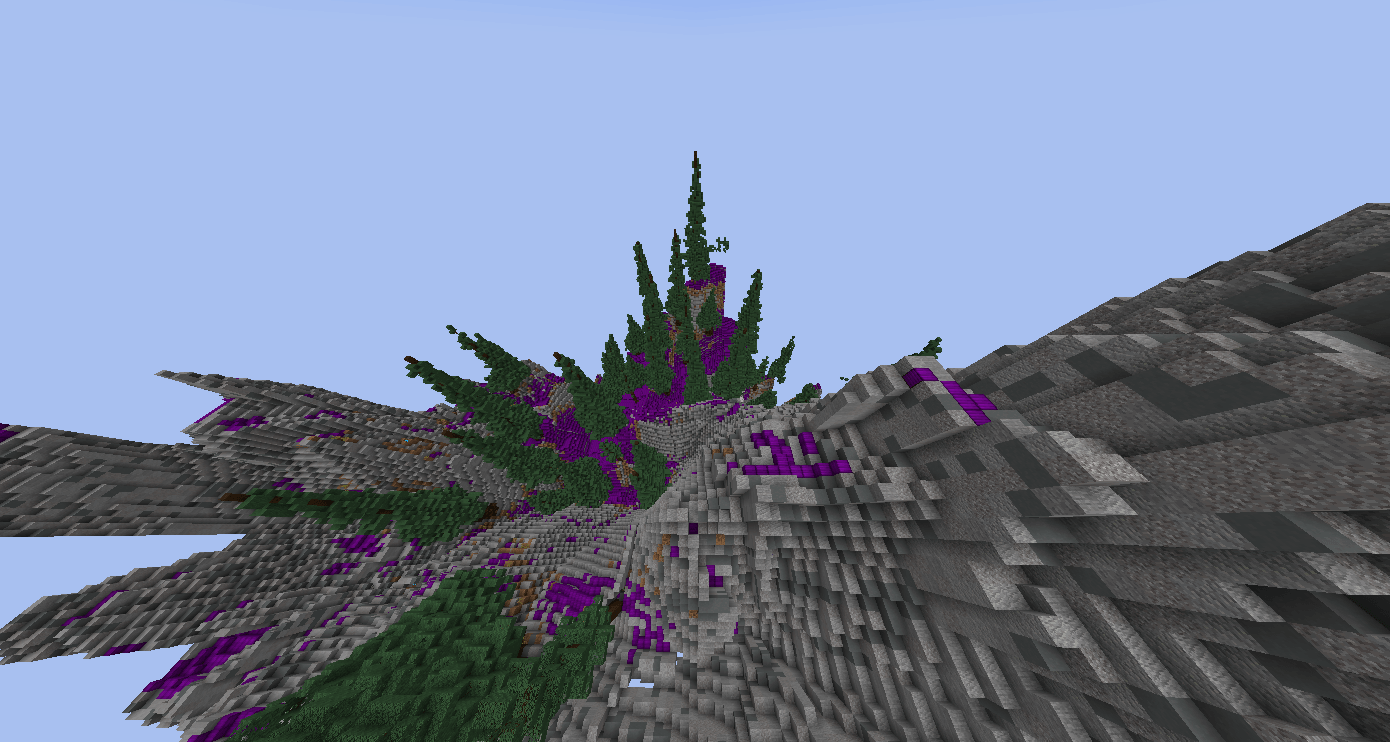
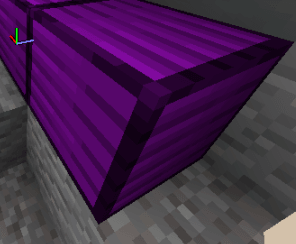
Compatibility issues
- FastAsyncWorldEdit will stop working, there is nothing I can do about that.
- WorldEdit
//undoand//copywon't work with the custom blocks placed byIris, they would be reverted back toNOTE_BLOCK(ormushroom,TRIPWIRE,CHORUS_PLANT)