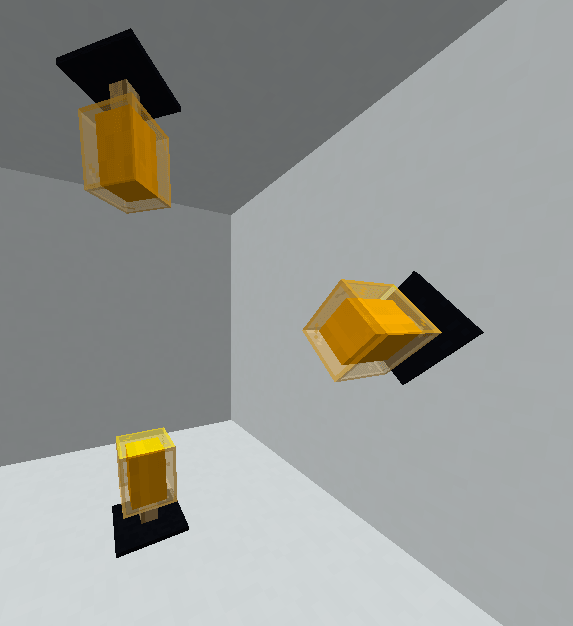
How can I do this?
1. open your model with Blockbench
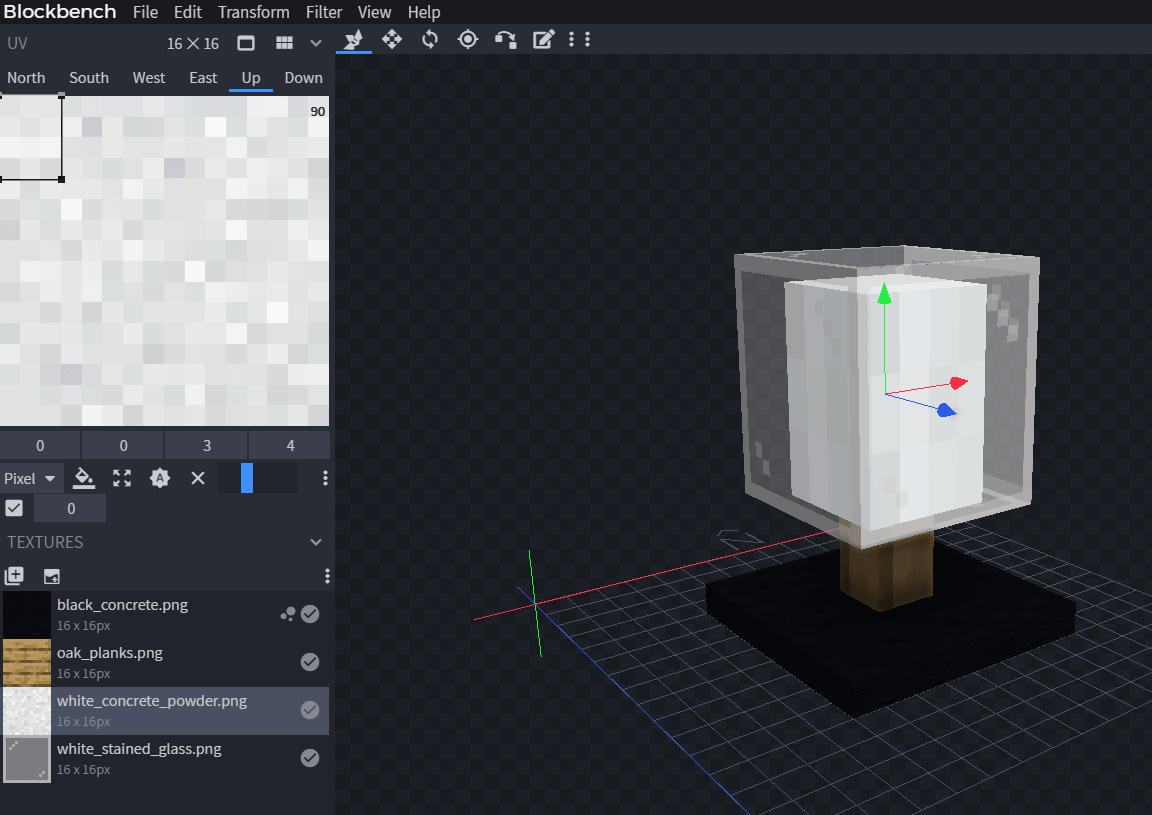
2. select the face you want to be colored
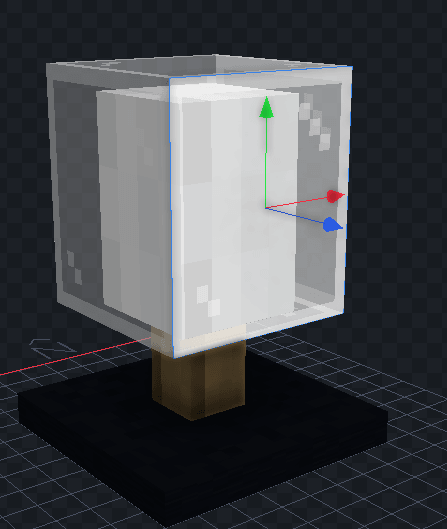
3. use a white/gray texture, for better coloring
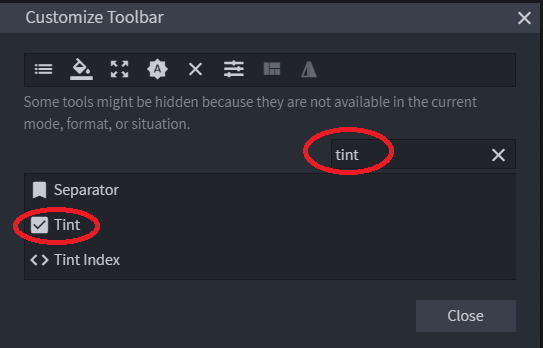
4. enable the hidden "Tint" feature
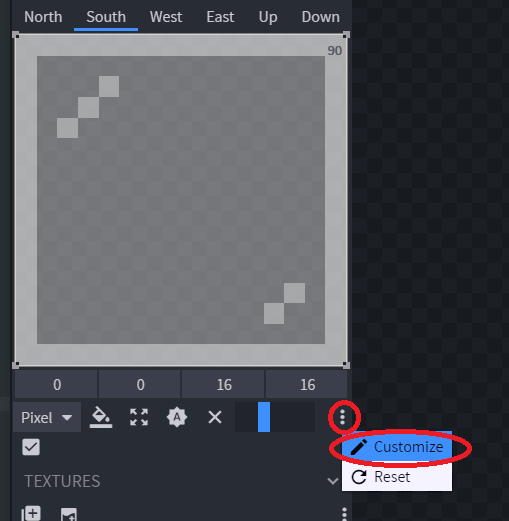
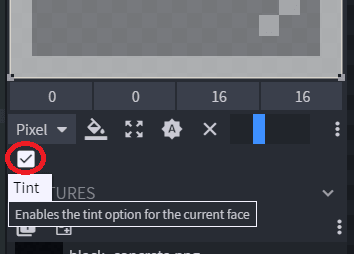
5. enable the coloring for each face you want to be colored
6. set the specific color attribute in your .yml file.
Click here to read the old way
In this example I used leather_horse_armor but you can also use potion.
  orange_modern_lamp:
    display_name: "Orange Modern Lamp"
    specific_properties:
      leather_horse_armor:
        color: ORANGE
    resource:
      material: LEATHER_HORSE_ARMOR
      generate: false
      model_path: item/template_modern_lamp
Getting colors
- Decimal colors using this tool
- Colors from this list
WHITESILVERGRAYBLACKREDMAROONYELLOWOLIVELIMEGREENAQUATEALBLUENAVYFUCHSIAPURPLEORANGE
Click here to read the modern way (1.21.4+)
  orange_modern_lamp:
    name: Orange Modern Lamp
    graphics:
      color: ORANGE
      model: item/template_modern_lamp
Read more on the modern coloring tutorial.
7. now you can create as many as models you want, just change the color and it will be automatically colored by the game