Modern configuration for Minecraft 1.21.4+
ItemsAdder 4.0.13+ can assign every bow state explicitly. This avoids relying on filename suffix detection and keeps the normal and pulling models visible in the configuration.
Bow made from textures
info:
  namespace: myitems
items:
  my_bow:
    enabled: true
    name: My Bow
    material: BOW
    graphics:
      textures:
        normal: item/my_bow
        pulling_0: item/my_bow_0
        pulling_1: item/my_bow_1
        pulling_2: item/my_bow_2
Place my_bow.png, my_bow_0.png, my_bow_1.png and my_bow_2.png in contents/myitems/textures/item/.
Bow made from 3D models
info:
  namespace: myitems
items:
  my_3dbow:
    enabled: true
    name: My 3D Bow
    material: BOW
    graphics:
      models:
        normal: item/my_3dbow
        pulling_0: item/my_3dbow_0
        pulling_1: item/my_3dbow_1
        pulling_2: item/my_3dbow_2
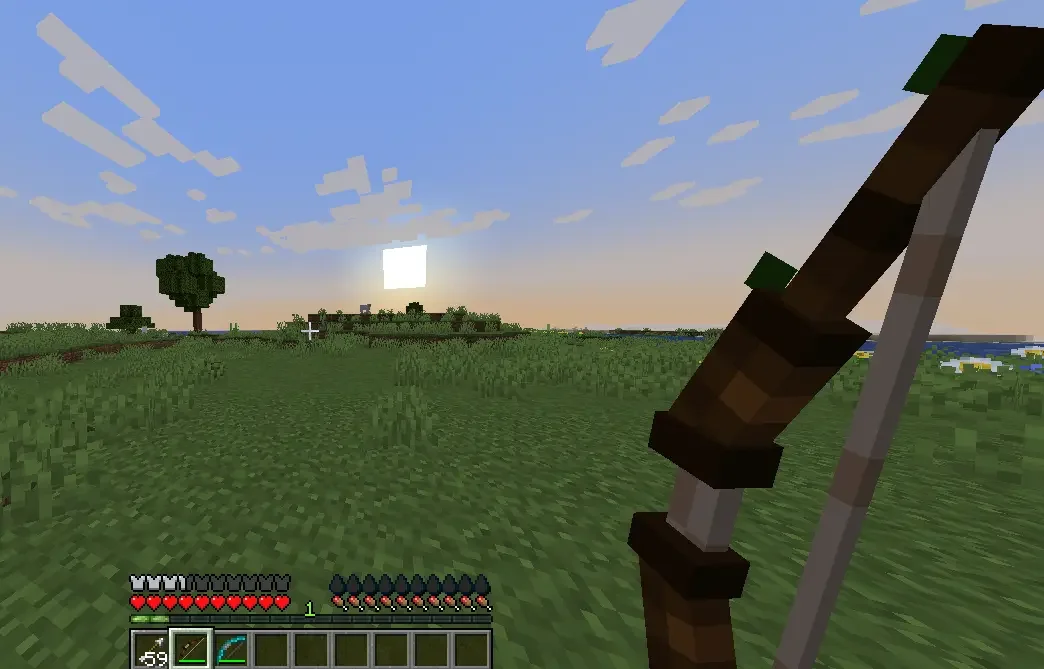
Place the four model files in contents/myitems/models/item/. Their texture references must still include the correct namespace, as explained in the legacy model example below.
Legacy bow with .png images

Configuration file
info:
  namespace: myitems
items:
  my_bow:
    enabled: true
    name: My Bow
    resource:
      material: BOW
      generate: true
      texture: item/my_bow.png
Texture files
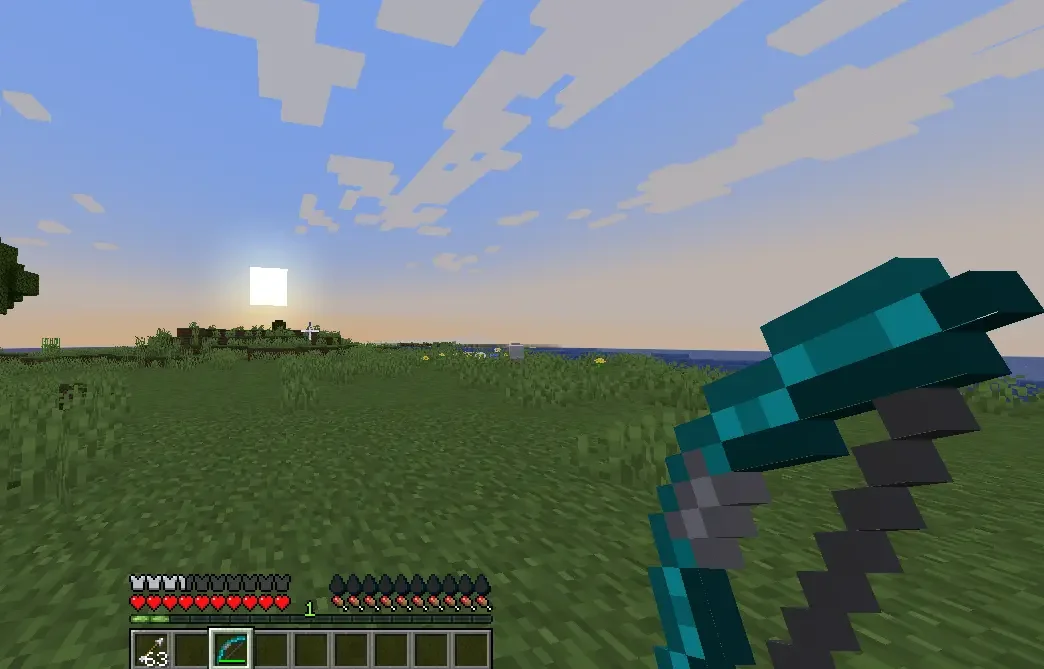
The bow animates as you pull it, this allows you to have a single texture for each of these states.
contents/myitems/textures/item/
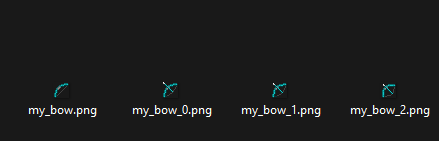
_0- First pulling state_1- Second pulling state_2- Third pulling state
Legacy bow with 3D .json models
Configuration file
info:
  namespace: myitems
items:
  my_3dbow:
    enabled: true
    name: My 3D Bow
    resource:
      material: BOW
      generate: false
      model_path: item/my_3dbow
Models files
contents/myitems/models/item/
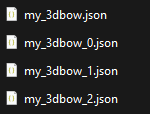
_0- First pulling state_1- Second pulling state_2- Third pulling state
Open your models files and update the textures paths. As you can see I updated the namespace.
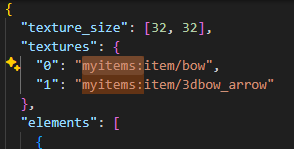
Move your textures into the correct namespace, in this case myitems.
contents/myitems/textures/item/