
Emotes / Gestures
Emotes allow you to express yourself with some particular player animations.
They integrate perfectly with the game and look like an official update.
emotes:
  1_21_4_plus_modern_method: true
Main features
- Blockbench extension to animate the Minecraft player model
- Completely Async, no TPS drops
- Optimized for big servers
- Play sounds and particles in animations
- Shows items in player hands and helmet
- Doesn't overwrite any vanilla shader
- Compatible with shader mods (Optifine, Iris, etc.)
- Supports slim arms
- Doesn't cause any issue with placed player heads (skulls)
Limitations
- Requires Minecraft 1.21.4 or greater
- More info about emotes issues here
emotes:
  legacy_shaders: true
  1_21_5_to_1_21_9_shaders: true
Main features
- Blockbench extension to animate the Minecraft player model
- Completely Async, no TPS drops
- Optimized for big servers
- Play sounds and particles in animations
- Shows items in player hands and helmet
Limitations
- Won't show the player armor equipment, only mainhand, offhand and helmet.
- Works only on 1.17 to 1.21.3 clients
- More info about emotes issues here
Installing the Blockbench extension
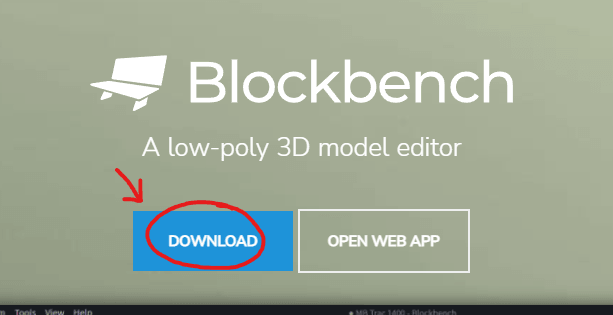
Download Blockbench (don't use the web app).
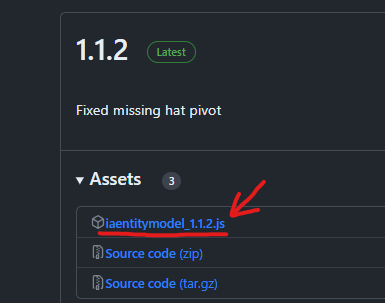
Download the extension file.
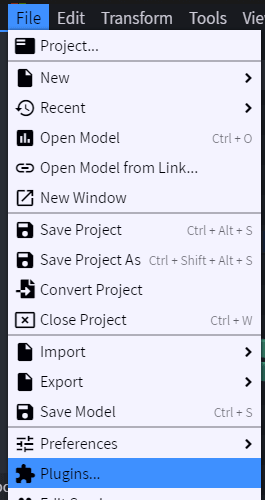
Then open Blockbench and click on File -> Plugins.
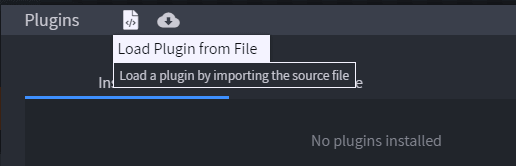
Click on the icon to load plugins from file, then select the file iaentitymodel.js.
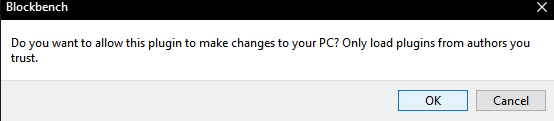
Press OK
Enabling emotes
Open config.yml of ItemsAdder and enable these two options, then run /iazip command.
entities:
  custom-entitites:
    enabled: true
    emotes: true