
How to use emojis in hologram
- Download Holographic Displays
- Download PlaceholderAPI
- Download the HolographicExtension addon
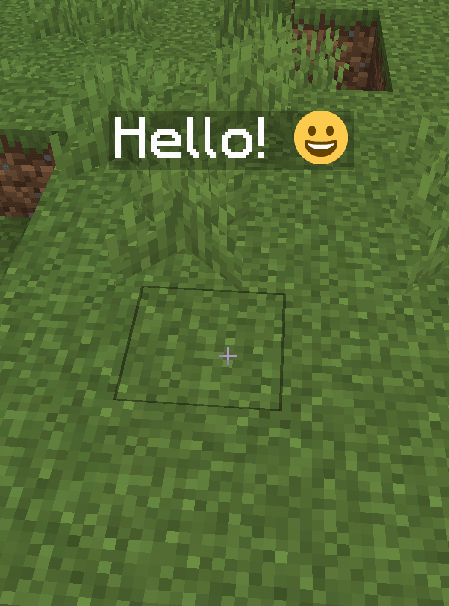
Now you can use font_images (emojis) inside holograms texts and everywhere in all plugins which support PlaceholderAPI, in this case Holographic Displays.
This is the code: %img_NAME% instead of NAME write the font_image name.
For example: %img_smile%
To create an hologram you can use these commands for example:
/holo create test_itemsadder Hello! %img_smile%
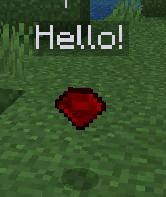
How to add a floating custom item?
- run
/iacustommodeldata <item>(for example/iacustommodeldata ruby) - copy the
CustomModelData, for example10000 - create a new hologram, for example:
/hd create holo_icon Hello! - add the floating item to the hologram by specifying the vanilla type and the CustomModelData. Example:
/hd addline holo_icon ICON: IRON_INGOT {CustomModelData: 10000}
``