
A furniture is a decorative object which can be solid, emit light, used as chair and can have other features.
Furniture entity types
item_display
This type of furniture entity is useful for any type of furniture you want to create.
behaviours:
  furniture:
    entity: item_display # <---
    display_transformation:
      transform: HEAD
      right_rotation:
        axis_angle:
          angle: 180
          axis:
            x: 0
            y: 1
            z: 0
      translation:
        x: 0
        y: 0.92
        z: 0
      scale:
        x: 0.45
        y: 0.45
        z: 0.45
Special properties
item_display allows you to do some special adjustments to your furniture model using the display_transformation property.
You can resize it, rotate it and move it freely.
This feature uses the native item_display feature of Minecraft, you can read more here and online.
You can also use this tool to preview your changes.
Example
  lava_lamp_new:
    enabled: true
    display_name: display-name-lava_lamp
    permission: iadeco.decorations.lava_lamp
    lore:
      - lore-decorative-item
    resource:
      material: PAPER
      generate: false
      model_path: lava_lamp
    behaviours:
      furniture:
        entity: item_display # <---
        light_level: 7
        display_transformation:
          transform: HEAD
          right_rotation:
            axis_angle:
              angle: 180
              axis:
                x: 0
                y: 1
                z: 0
          translation:
            x: 0
            y: 0.92
            z: 0
          scale:
            x: 0.45
            y: 0.45
            z: 0.45
auto_update_in_world: automatically apply config changes to entities already placed in the world. Default value is in config.yml as auto_update_transformations, which can be used to globally disable or enable this feature.
Example
behaviours:
  furniture:
    entity: item_display
    display_transformation:
      auto_update_in_world: true # <--- here
armor_stand
This type of furniture entity is useful when you want to create chairs, plants, columns, lamps and similar environment decorations which don't need to rotate based on the surface on which you place them.
behaviours:
  furniture:
    entity: armor_stand # <--- (by default, not mandatory)
    small: true
    solid: true
small allows to set the armor stand small. It will have a smaller hitbox by default and the model will look smaller.
item_frame
This type of furniture entity is useful when you want to make the furniture rotate based on the surface on which you place it.
For example if you have a decorative lamp you can make it placeable on walls, ceiling and ground and and make it oriented automatically based on the surface inclination.
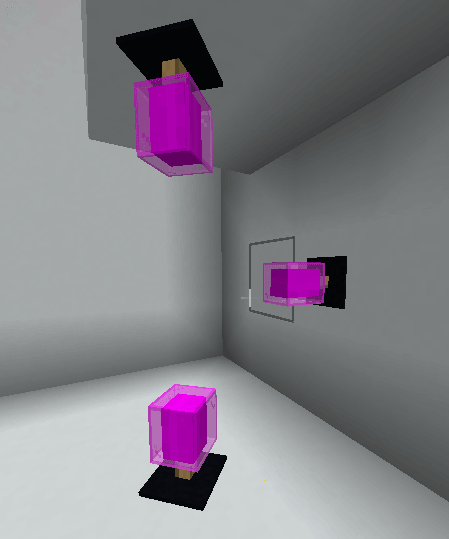
behaviours:
  furniture:
    entity: item_frame
    light_level: 15
    solid: false
Limit placement location
You can limit the placement of the furniture using the placeable_on property.
    placeable_on:
      walls: true
      ceiling: true
      floor: true
Hitbox
You can make a furniture solid adding the "solid" attribute and specifying a hitbox (if you want > 1x1x1)
  table:
    display_name: display-name-table
    permission: table
    lore:
      - 'lore-decorative-item'
    resource:
      material: OAK_WOOD
      generate: false
      model_path: item/table
    behaviours:
      furniture:
        small: true
        solid: true
        entity: armor_stand
        hitbox:
          length: 1
          width: 1
          height: 1
          length_offset: 0
          width_offset: 0
          height_offset: 0
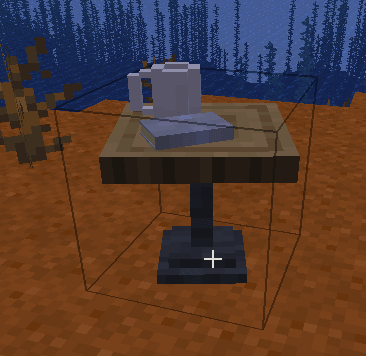
Hitbox has wrong location
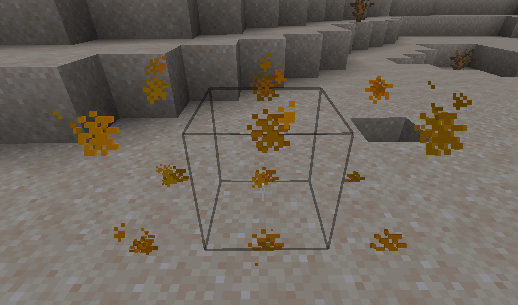
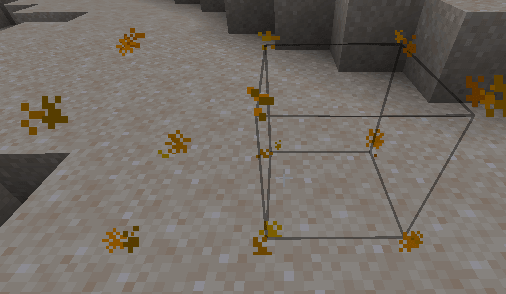
Correct location
I had to set a width offset of 0.5.
You can also use negative values if needed.
        hitbox:
          length: 1
          width: 2
          height: 1
          width_offset: 0.5
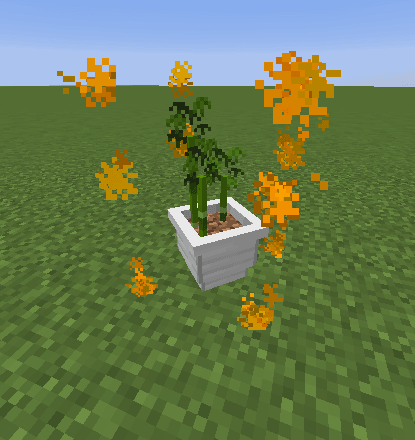
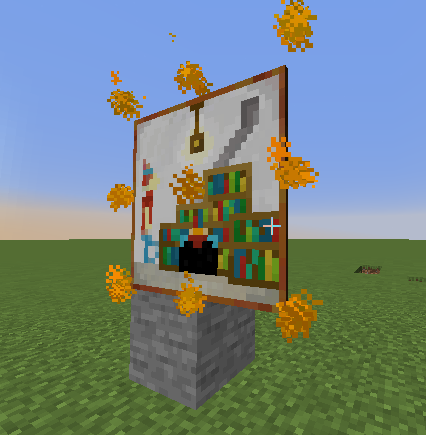
Preview the hitbox
Optimization of item_display furniture
By default the plugin uses width and height of the hitbox to tell the game the size of the furniture render area. This is used to allow the game to hide the entity when the player is not directly looking at it and avoid overhead.
If you want you can customize this value separately using the render_size property.
display_transformation:
   render_size:
      width: 3
      height: 3