
Make sure you accepted the resourcepack and that you enabled emotes in config.yml of ItemsAdder. Try also to regenerate the pack using /iazip.
Case 1
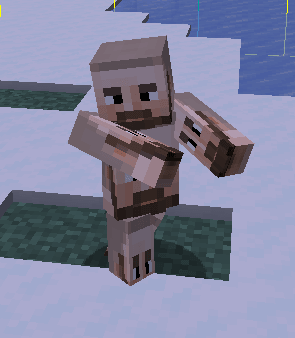
emotes:
  1_21_5_to_1_21_9_shaders: true
If you join with a 1.21.9 or newer client and enable 1_21_5_to_1_21_9_shaders, emotes will render incorrectly and the player head can appear stretched. This happens because 1_21_5_to_1_21_9_shaders supports only versions 1.21.5 through 1.21.9.
If you want to support 1.21.4 and greater clients, you must use 1_21_4_plus_modern_method instead (and regenerate your resourcepack).
Case 2
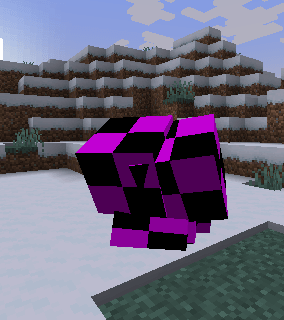
If you're on a 1.21.3 or older client, you can't use 1_21_4_plus_modern_method. You must keep using 1_21_5_plus_emotes_shaders.
Case 3
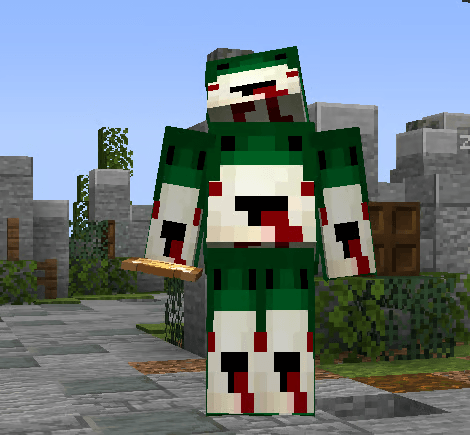
If you are using 1_21_5_plus_emotes_shaders or legacy_shaders, you might have a plugin or another pack that is overwriting the shaders (only 1.21.8 and lower clients can have this issue).
Check the files in the merged resourcepack folders:
merge_other_plugins_resourcepacks_folders:
- ModelEngine/resource pack
Also check your ItemsAdder/contents folders for any shader that can interfere.
Case 4
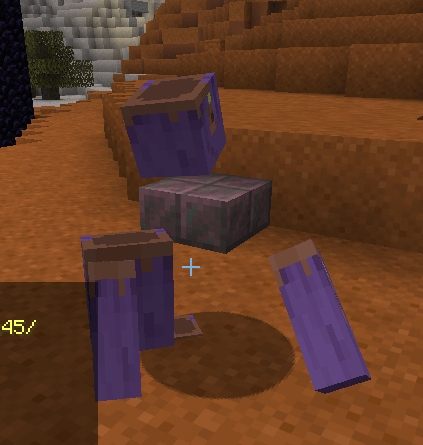
Make sure to use 1_21_4_plus_modern_method: true and regenerate your pack, because 1_21_5_to_1_21_9_shaders and legacy_shaders are no longer supported on Minecraft 26.1.
(regenerate your pack after this change).
Mods issues (only related to vanilla shader method)
If you are using 1_21_5_plus_emotes_shaders or legacy_shaders, you will have this issue using shader mods (only 1.21.8 and lower clients can have this issue).
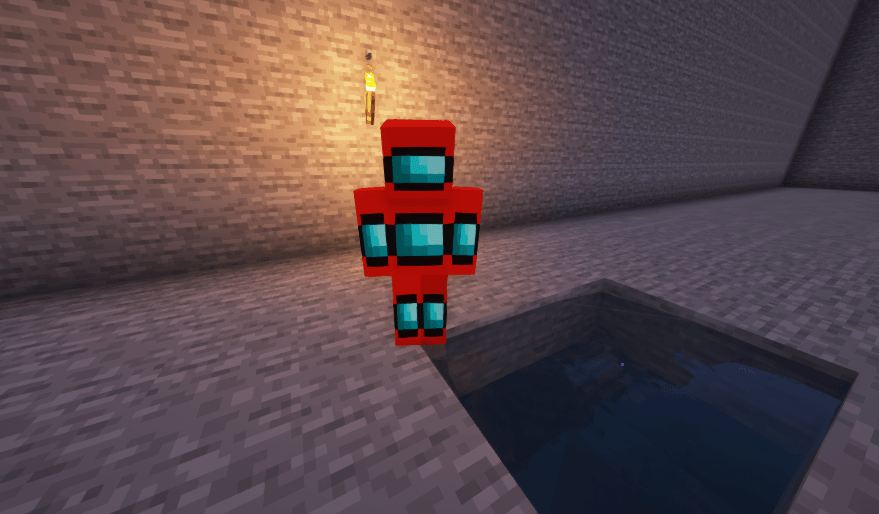
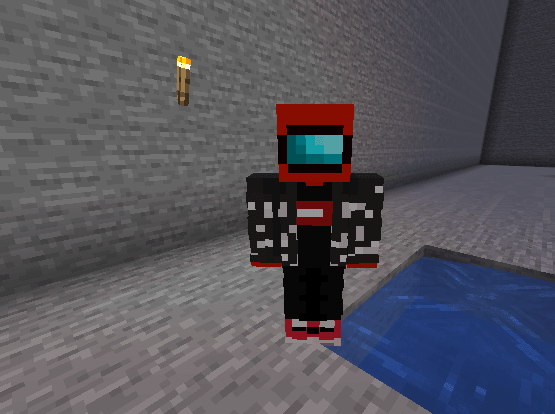
Mods that allow the usage of custom shaders will break emotes due to them overriding/replacing the vanilla Shader which ItemsAdder uses for the Emotes feature.
The only way to "fix" this is by disabling the shaders themself or removing the shader mod in question.
Known shader mods that cause issues
- Optifine: https://github.com/sp614x/optifine/issues/6391
- IrisShaders: https://github.com/IrisShaders/Iris/issues/1042
- Mods that change the player skins:
- A mod may change the default player model/skin and can therefore be affected by ItemsAdder's shader manipulations, or vice-versa.
- 3DSkinLayers
- The mod alters the outer skin layer to make them appear in 3D, which alters the player model itself.\
A possible fix is to disable 3D Skulls and 3D Skull Items in the mod's settings.
There is currently no workaround for using 3D layers in Emote animations.
Additional information can be found in the related issue.
- Customizable Player Models
- These mods allows the complete customization of the player model including replacing parts of it or the model as a whole.\
Due to this will Emotes not display properly in ItemsAdder and there is currently no fix available outside of not using the mod or not using the Emote animations.