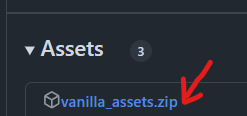
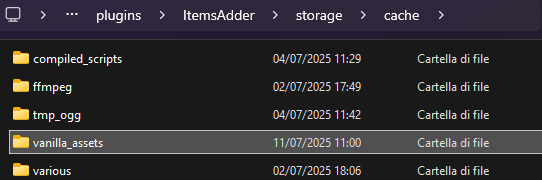
ItemsAdder needs some Minecraft assets to work, it automatically downloads them for you, but some server setups might have issues downloading (blocking firewall, network error, etc.).
You can manually download the assets to fix this.
 ItemsAdder
ItemsAdder needs some Minecraft assets to work, it automatically downloads them for you, but some server setups might have issues downloading (blocking firewall, network error, etc.).
You can manually download the assets to fix this.