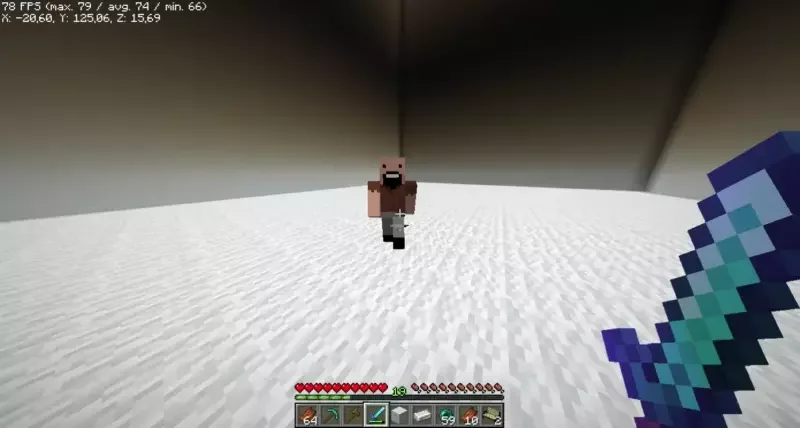
Reskinning a Mythicmob mob
You can use a custom player skin for any Mythicmob mob.
Changing the model
Create a new Mythicmobs mob configuration file in this path: plugins/MythicMobs/entities/custom_player.yml
``(you can decide the filename).
custom_player:
  Type: ZOMBIE
  Display: '&aCustom Player'
  Health: 10
  Damage: 2
  Options:
    MovementSpeed: 0
    Silent: true
  Skills:
  - customentity{playerskin=https://minesk.in/5f1e7ff6409e428bb500cc9315bf7ffb} @self ~onSpawn
In this example I'm changing the Mythicmobs mob skin to Notch's skin.
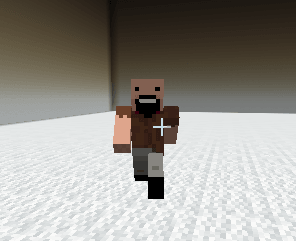
Custom skin
Custom Animated PlayerSkills
customentity{playerskin=SKIN}Change the player skincustomentity{idle=ANIMATION}To change the idle animationcustomentity{walk=ANIMATION}To change the walk animationcustomentity{attack=ANIMATION}To change the attack animationcustomentity{death=ANIMATION}To change the death animationcustomentity{play=ANIMATION}To play an animation right nowcustomentity{stop=ANIMATION}To stop the current animation
Done