
Show custom entity hands equipment
How to configure hands locations
Open your .iaentitymodel model file with Blockbench.
Select the base bone of the entity hands.
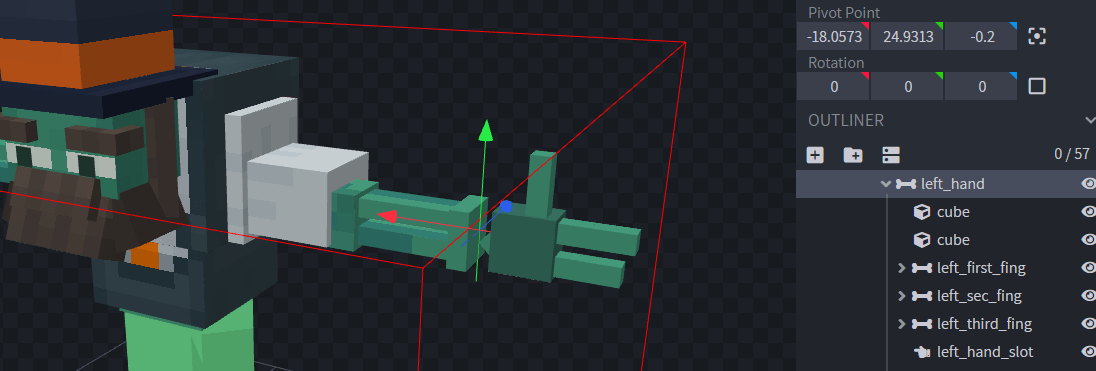
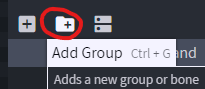
Create a new group which will be a child of the hand bone.
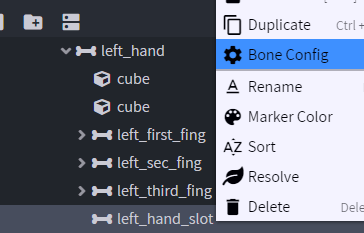
Right click on the bone and select "Bone Config", in this case left_hand_slot
Check the "Left hand pivot" option and press "Confirm".
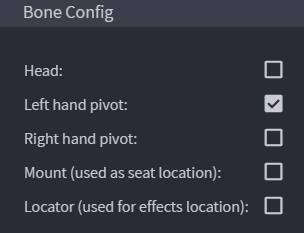
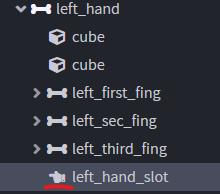
The hand pivot bone has a new icon now, as you can see.
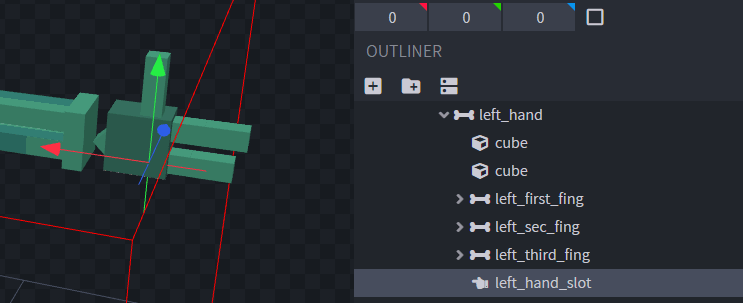

Follow the same steps to specify the right hand, then you have to export the model as usual.
Entity Creation