
Example
Setting the mount locations
Open your .iaentitymodel model file with Blockbench.
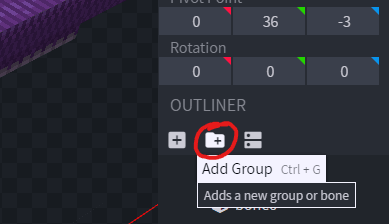
Create a new bone.
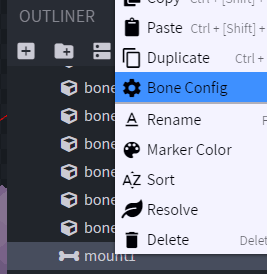
Right click on the bone and select "Bone Config"
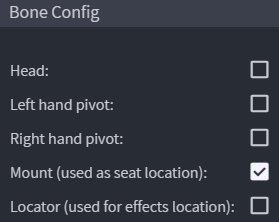
Check the "Mount" option and press "Confirm".
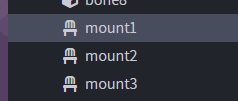
Do this for each seat you want to create.
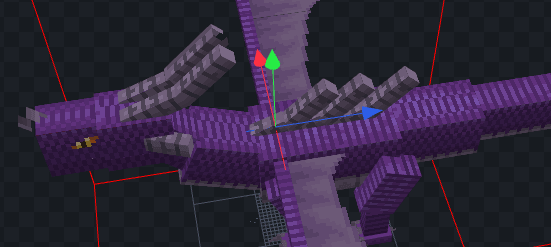
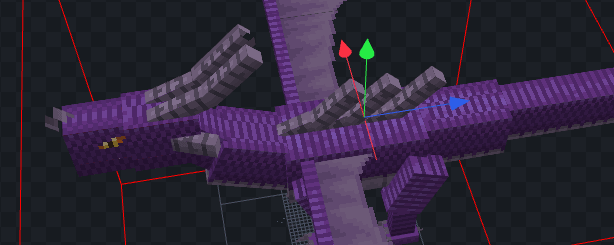
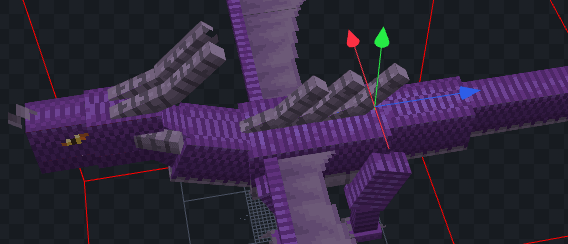
Now you have to export your model as usual.
Entity CreationHow to mount
Just right-click the entity and control it.