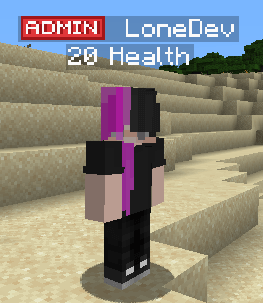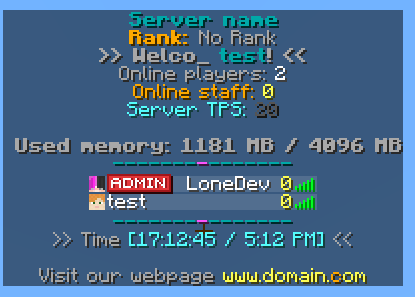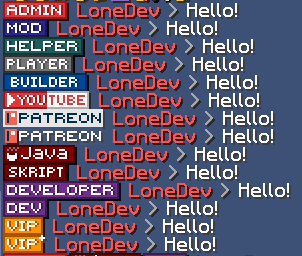
Download the example ranks here.
Create a rank
Create a new file contents/myranks/config.yml.
font_images:
  admin:
    permission: "ranks"
    show_in_gui: true
    suggest_in_command: false
    path: "font/admin.png"
    scale_ratio: 9
    y_position: 8
Official tool to create custom ranks
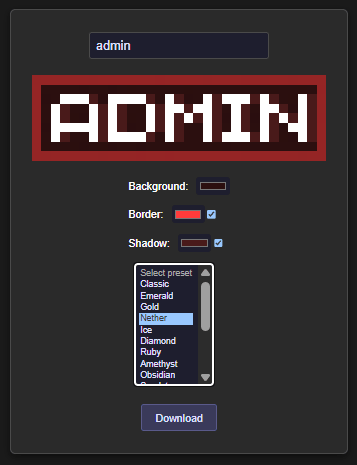
Put the image into contents/myranks/textures/font/admin.png.
Create a group (for example admin)
Command /lp creategroup admin
Add the prefix
Open the editor /lp editor.
Click on the link and open the web editor.
Select the role. In this case admin.
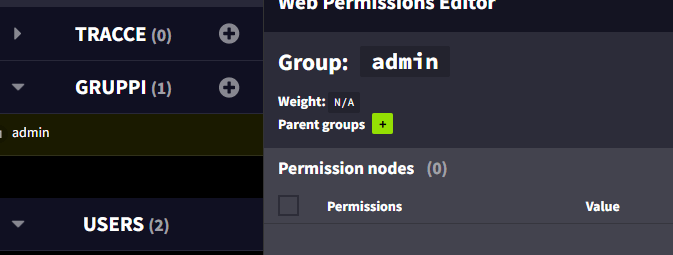
Add a new permission:prefix.100.:admin: . Change :admin: based on your rank name.
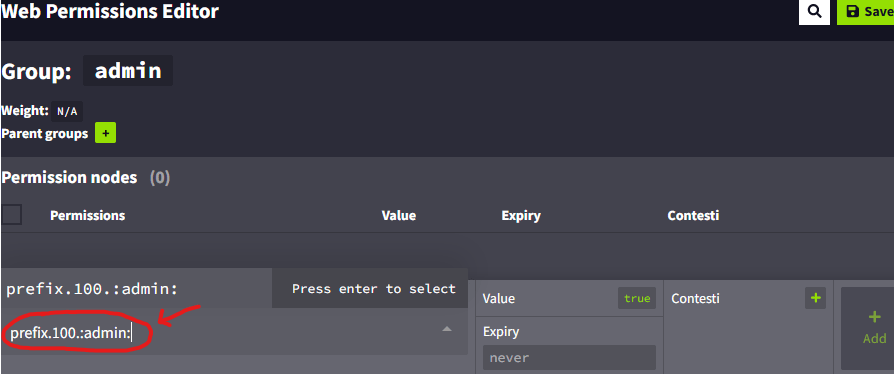
Press +Add

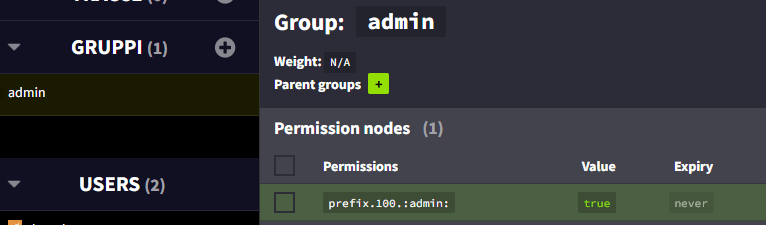
You now have a new line in the permissions list, this is the prefix setting.
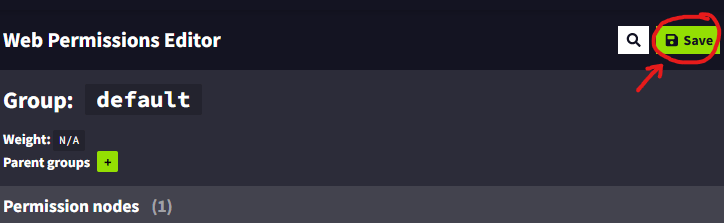
Save your changes.
Assign the group to a player
Use this command (change LoneDev to your player name) /lp user LoneDev group add admin

TAB plugin
Editing the config.yml of TAB plugin
Add this under the groups category or edit it if already exists.
(You have to use %img_admin% instead of :admin: because TAB recognized only PlaceholderAPI placeholders and not ItemsAdder placeholders. This can be valid also for other plugins)
  Admin:
    tabprefix: '%img_admin%  '
    tagprefix: '%img_admin%  '
Then use the command /tab reload.