Items
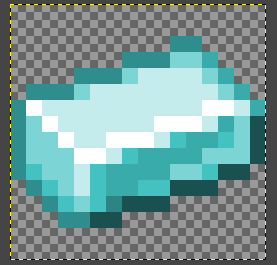
Create your texture.
Create a new
Java Block/Itemmodel in Blockbench.Note: In this case I set
Parent Modeltoitem/paperto inherit thedisplayproperties (how it's shown in hand, on ground etc.).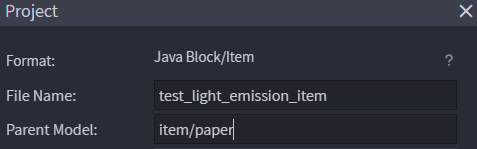
Create your model. For example you can extrude the texture like I did.
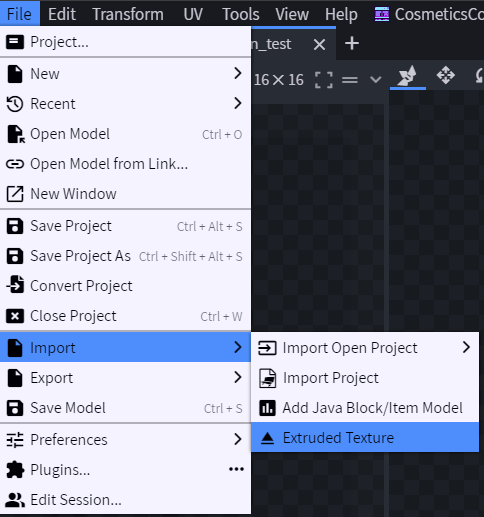
Adjust the model in the center.
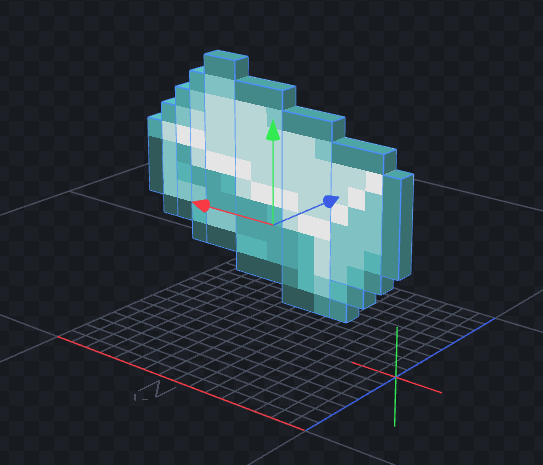
Select all the cubes (press
CTRL+A), right click and set the desired light level.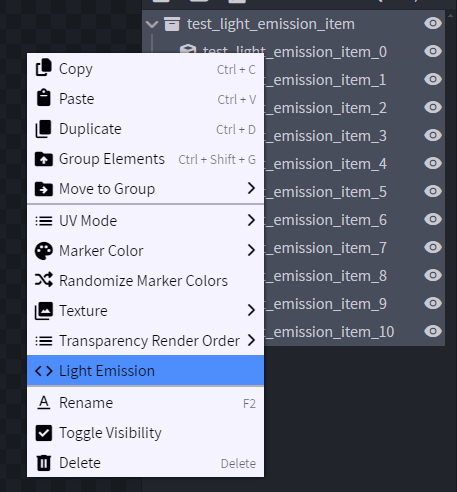
Save the file:
contents/test/models/block/test_light_emission_item.jsonCreate the configuration.
Old method
yaml info: namespace: test items: test_light_emission_item: name: test_light_emission_item resource: material: PAPER generate: false model_path: item/test_light_emission_itemNew modern method (1.21.4+)
yaml info: namespace: test items: test_light_emission_item: name: test_light_emission_item graphics: model: item/test_light_emission_item
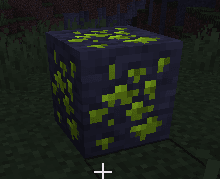
Blocks
Create your texture.
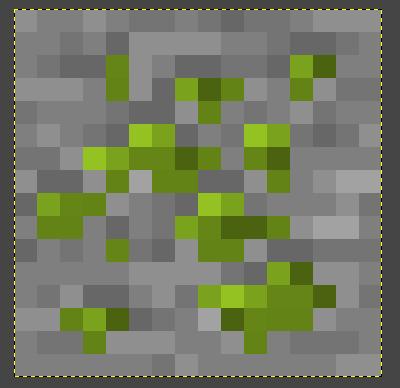
Separate the glowing layer from the base layer into two images.
contents/test/textures/block/test_light_emission.png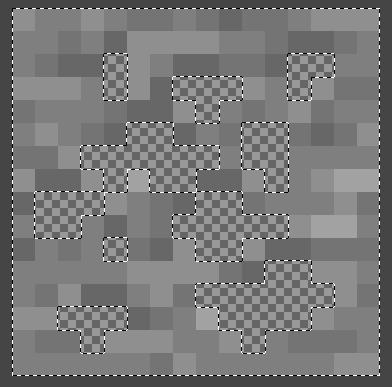
contents/test/textures/block/test_light_emission2.png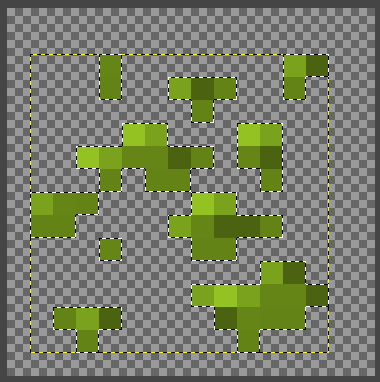
Create a new
Java Block/Itemmodel in Blockbench.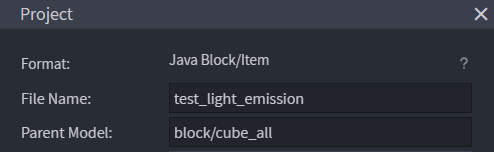
Create two cubes, one for the base and one for the glowing layer.
Assign the two textures to the two different layers by drag and drop into the cubes.
Right click the glowing layer and set the desired light level.
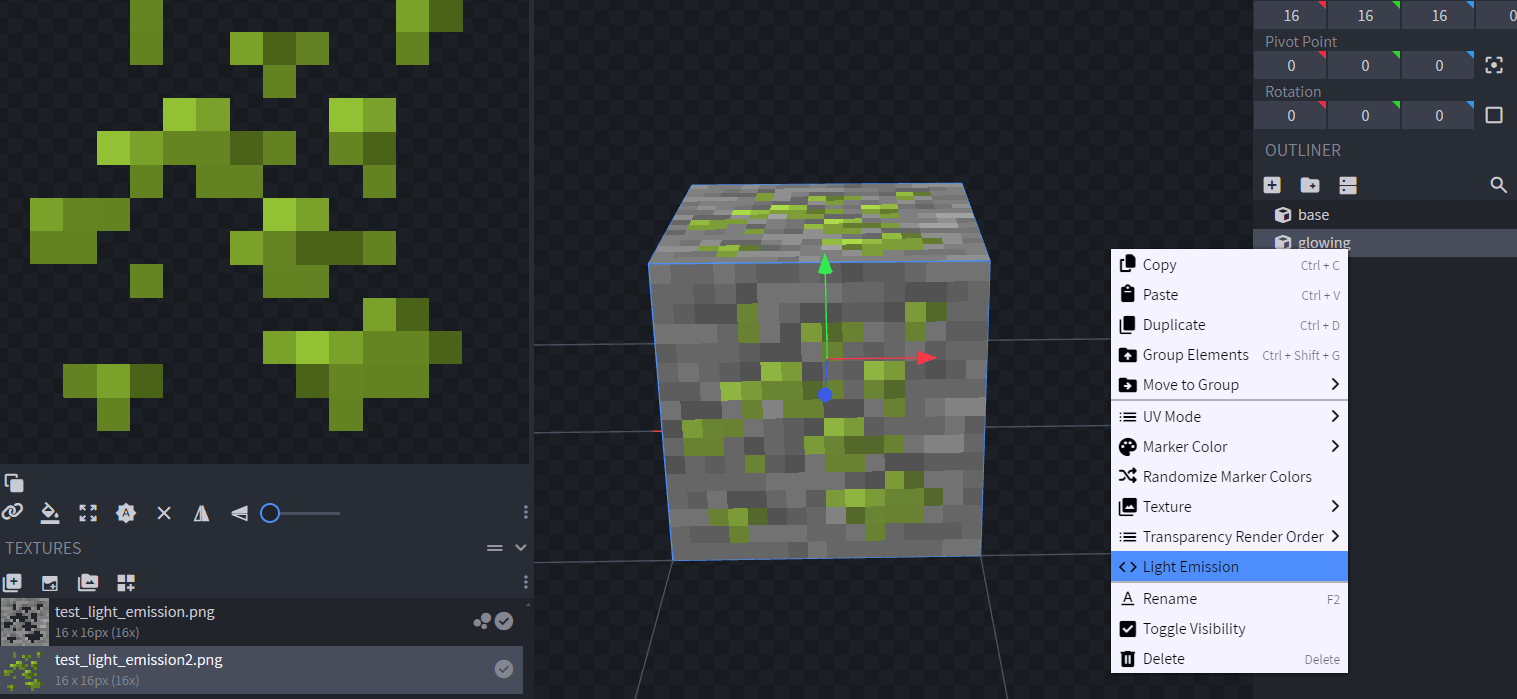
Save the file:
contents/test/models/block/test_light_emission.jsonCreate the configuration.
Old method
yaml info: namespace: test items: test_light_emission: name: test_light_emission resource: material: PAPER generate: false model_path: block/test_light_emission behaviours: block: placed_model: type: REAL_NOTE hardness: 1New modern method (1.21.4+)
yaml info: namespace: test items: test_light_emission: name: test_light_emission graphics: model: block/test_light_emission behaviours: block: placed_model: type: REAL_TRANSPARENT hardness: 1